
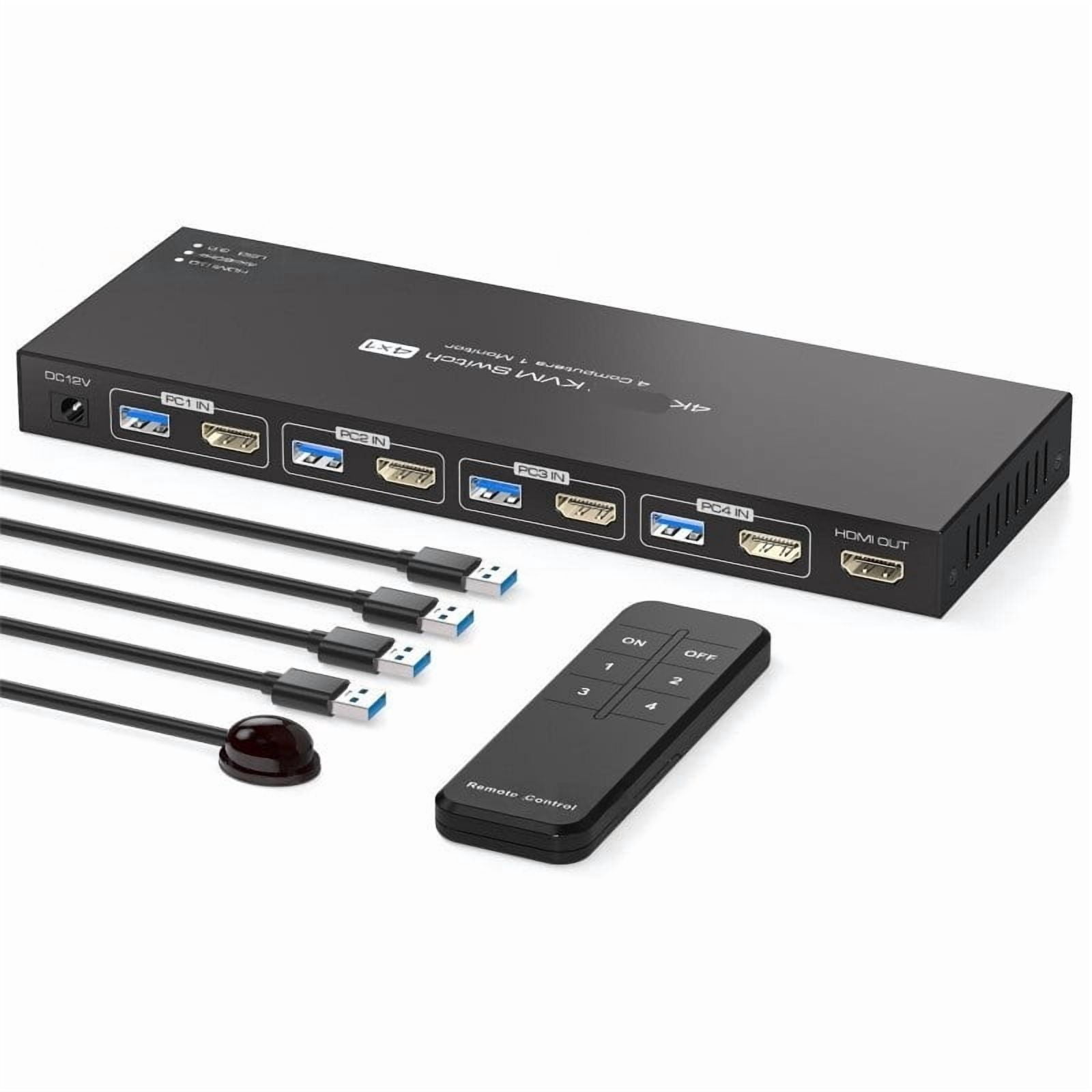
4 Port 4K 144Hz HD Media Switch, Smart USB 3.0 KVM Hub
Product details
| Management number | 238545266 | Release Date | 2026/07/11 | List Price | US$48.15 | Model Number | 238545266 | ||
|---|---|---|---|---|---|---|---|---|---|
| Category | |||||||||
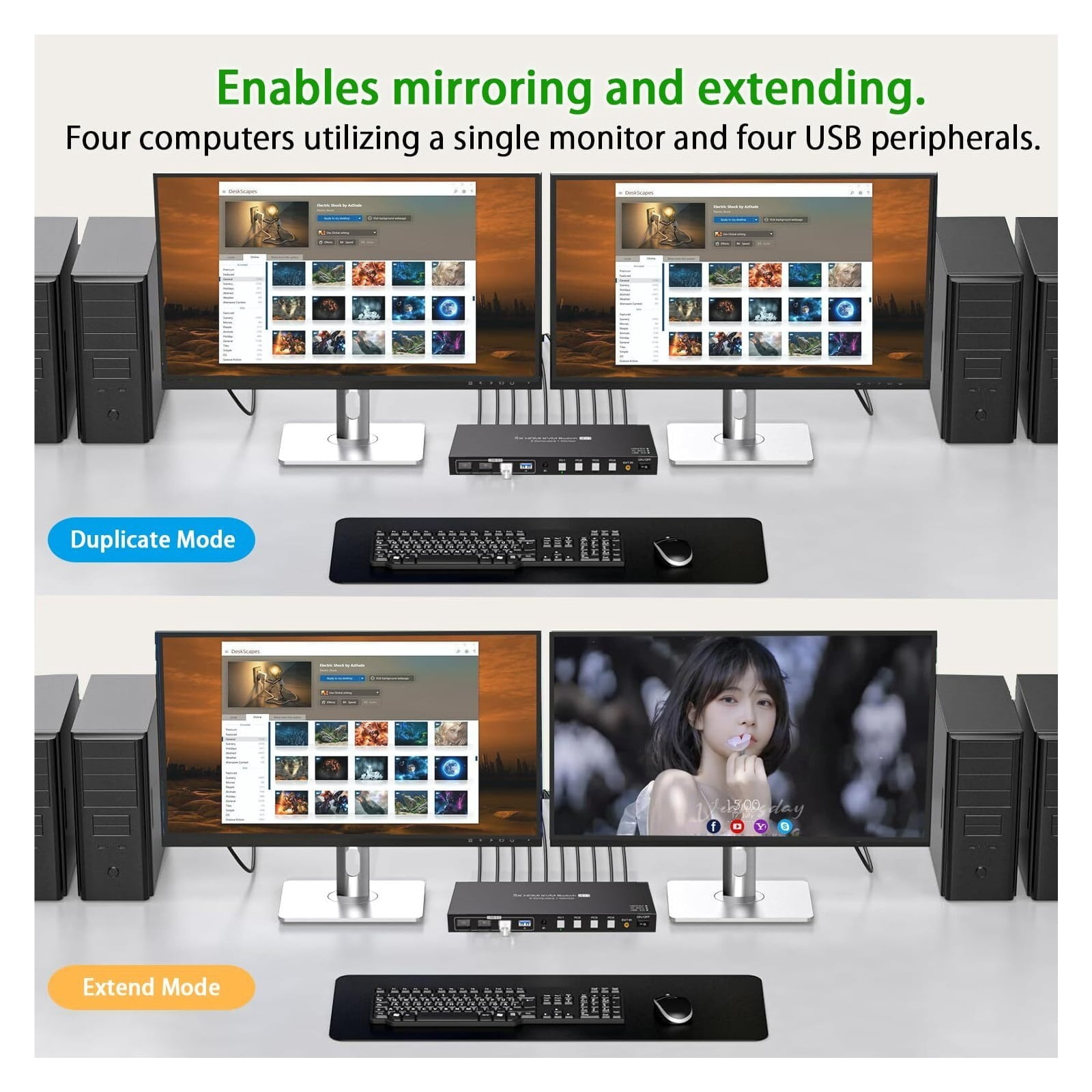
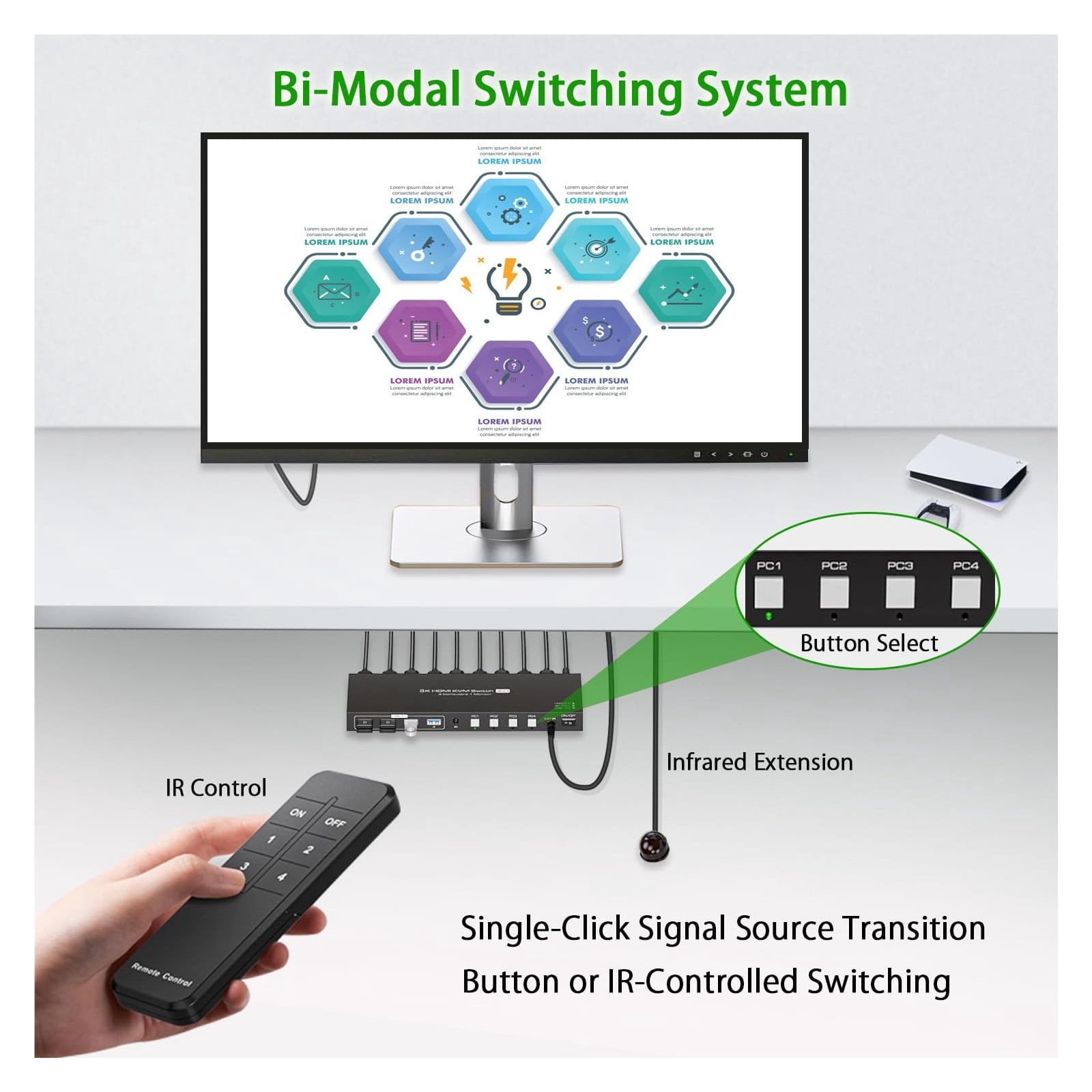
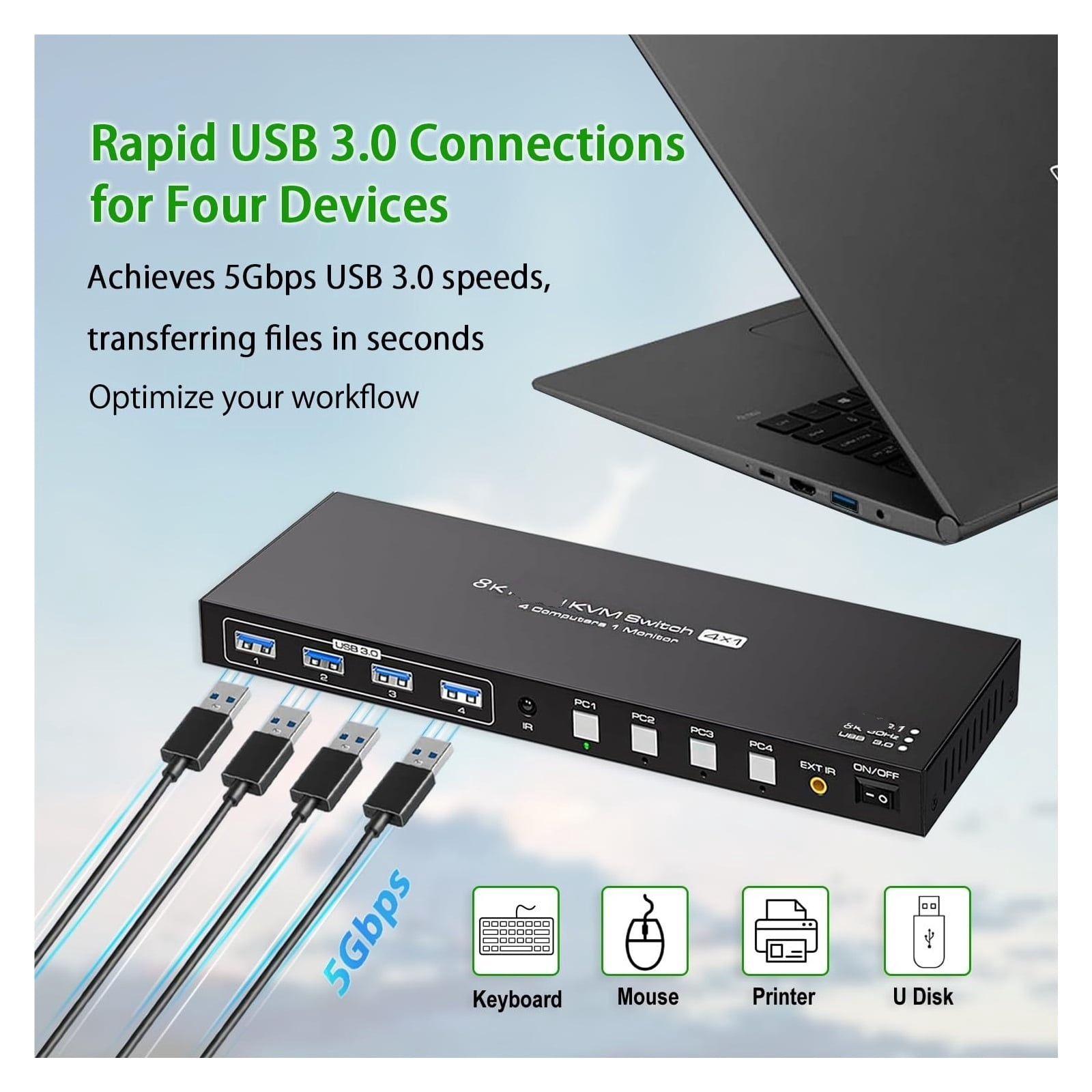
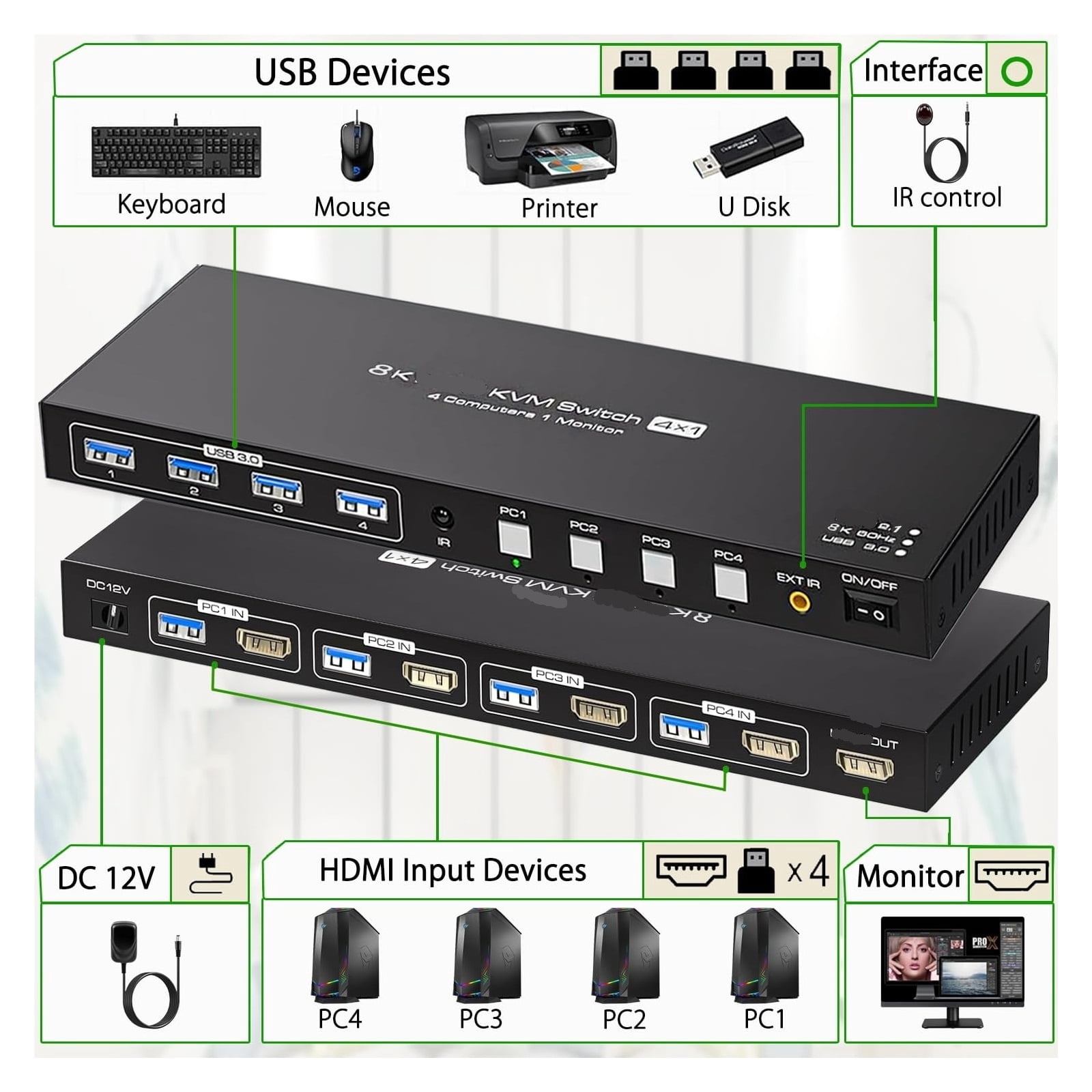
<p>A KVM switch (Keyboard, Video, Mouse) is a powerful tool for boosting workspace efficiency. It allows you to control multiple computers using a single set of keyboard, mouse, and monitor; whether for office work, design, or gaming, this not only saves desktop space but also eliminates the hassle of frequently plugging and unplugging devices.</p><p>Description:</p><p>It is designed for multitask with four computers at your necessary, increasing productivity in the office or at home ; You can switch between 4 computers using a manual switch located on the top of the KVM unit.</p><p>Features:</p><p>Wide Compatibility & Ease of Use:The HD kvm is plug and play requiring no driver installation It is widely compatible with WindowsVista/XP/Mac OS/Linux and Unix systems, and supports multiple input devices. It is widely used in offices, classrooms, meeting rooms, home theaters, and gaming venues.</p><p>USB3.0 HD 2.1 KVM Switch (HD+ HD + HD + HD) 4 ports Single monitor</p><p>Product Features:</p><p>4 computers/laptops share one set of keyboard, mouse and 1 monitors, and more USB 3.0 peripherals;</p><p>Support maximum resolution up to 4K 120Hz HD monitors output</p><p>support up to 8K@60Hz/4K@120Hz,2K@144Hz/1080P@240Hz for mirrored display;</p><p>Compatible with Windows 11/10/7/2000/XP/Vista, Linux, UNIX, Ubuntu, Fedora, and other systems;</p><p>Advanced switching modes: push button and IR remote control;No complicated installation is required, and non-professionals can easily operate it;</p><p>The ports that need to plug in HD/USB cables are all hidden behind the KVM, so the desktop doesn't get cluttered;</p><p>Connection steps:</p><p>1. Insert the DC/12V adapter into the KVM ;</p><p>2. Plug the HD cable into the KVM and monitor;(Output)</p><p>3. Plug the HD cable and USB cable into the KVM and your computer/laptop (HD cables are not included)(Input)</p><p>HD IN1 + USB IN1=PC1</p><p>HD IN2 + USB IN2=PC2</p><p>HD IN3 + USB IN3=PC3</p><p>HD IN4 + USB IN4=PC4</p><p>4. Insert the mouse and keyboard into the KVM switch</p><p>Note:</p><p>1. Most of the reasons why only one video output works is because of incorrect connection. Please make sure each PC has(HD cable+1 USB cable) connect to the KVM.</p><p>2. If the KVM switch does not work, you can turn off the switch on the panel and turn it on again after 2-3 seconds, and it will return to normal.</p><p>3.Before purchasing this HD monitor KVM switch, please make sure that connecting your computer directly to the monitor can work normally,Otherwise, the KVM will not be available.</p><p>4. Note: HD cables are not includedUSB 3.0 interface 4 PCs 1 Monitors with 5Gbps</p><p>Supports 5Gbps data transfer speed , can transfer files in Seconds, Much faster than USB 2.0.</p><p>4x USB 3.0 ports, backward compatible with USB 2.0 and USB 1.1, share USB devices such as keyboard mouse scanner, printer, flash drive, etc.</p><p>Support 2 Switching Modes</p><p>Quickly switch between the 4 computers with just one click of the switch button on the panel or use IR remote control (included in the package).</p><p>Please note: This KVM does not support hotkey switching.</p>
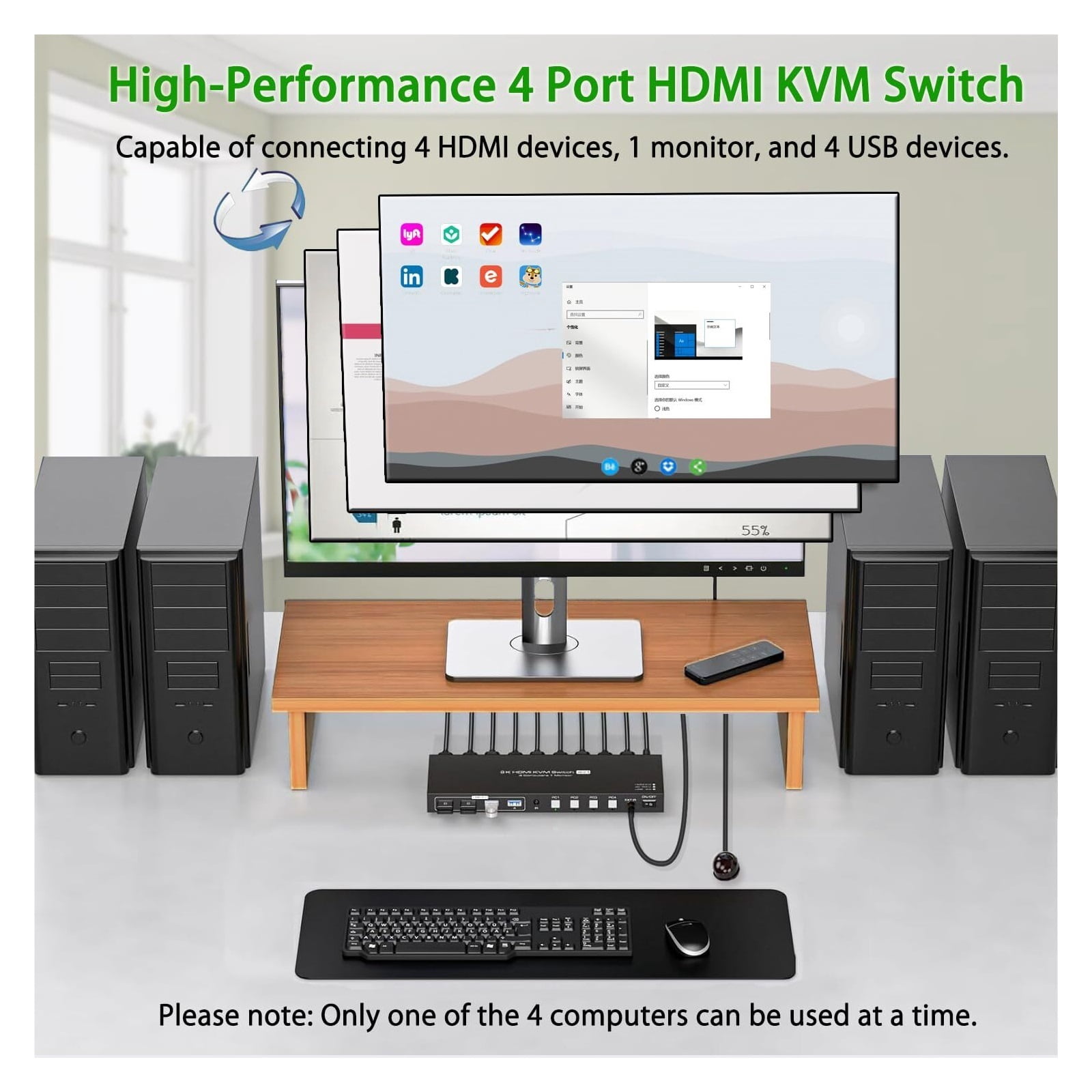
- SW241,8K 60Hz 4x1 HD USB 3.0 :KVM Switch allows you to share one USB keyboard, USB mouse, and one HD monitor to control 4 computers, laptops, game consoles.
- kvm switch 4 computers:The HD kvm switch 4 port allows 4 computers or laptops to share 1 monitor and 4 USB 3.0 devices. You can control all 4 computers directly with a single set of mouse and keyboard. Switching between the 4 computers is easy using the panel buttons or an external remote. It's plug-and-play, streamlining your workspace and boosting office efficiency.
- Ultra HD 4K@60Hz:The HD 2.1 kvm is equipped with a standard HD2.1 port, supporting resolutions up to 4K@60Hz , with backward compatibility. It delivers exquisite, lifelike video effects on the screen. Please note: To achieve these resolutions, both your computer's graphics card and monitor must support 4K@60Hz . Using a high-quality HD2.1 cable is recommended for smooth, stutter-free video output.
- With 4 USB 3.0 Ports:The 4 port kvm is equipped with four standard USB 3.0 ports, allowing four computers to share four USB devices such as wireless keyboards, mice, printers, and scanners. It supports high-speed data transfer of up to 5Gbps and is backward compatible with USB 2.0/1.1/1.0 devices.
- Stable Transmission & Two switching modes:The kvm switch HD includes a 12V1A external power adapter for stable recognition of highpower USB devices with the KVM You can switch between 4 computers using the infrared remote control or panel buttons with LED lights indicating the active computer. (Note: Connect the external power supply when using the device. For the infrared remote control, ensure the IR cable is connected to the device.)
| Brand | LuckyBliss |
|---|---|
| Number of ports | 0 |
| Maximum number of monitors | 0 |
| Dimensions | 0.39 x 0.39 x 0.39 in |
| Accessories | See Specifications |
| Has written warranty | No |
| Has nrtl listing certification | N |
| Weight | 0.04 oz |
Bestseller ranking
Mott's Fruit Snacks






Customers who viewed this product also viewed
Uncategorized





Correction of product information
If you notice any omissions or errors in the product information on this page, please use the correction request form below.
Correction Request Form